

The library may not be very large, but it offers a wide range of study spaces across five floors, as well as equipment and facilities to support your studies, including height-adjustable desks, database computers, printers, Wi-Fi, and power outlets for laptops.
Overview
Sound levels
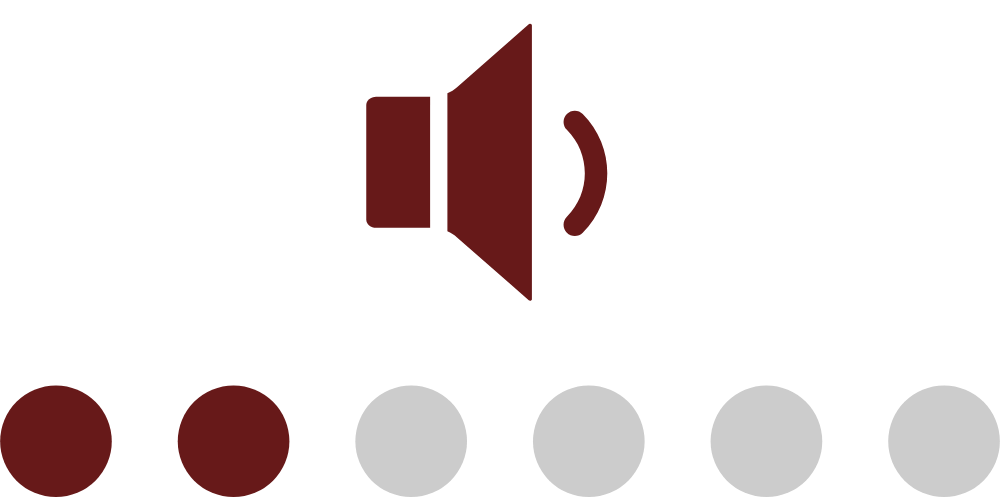
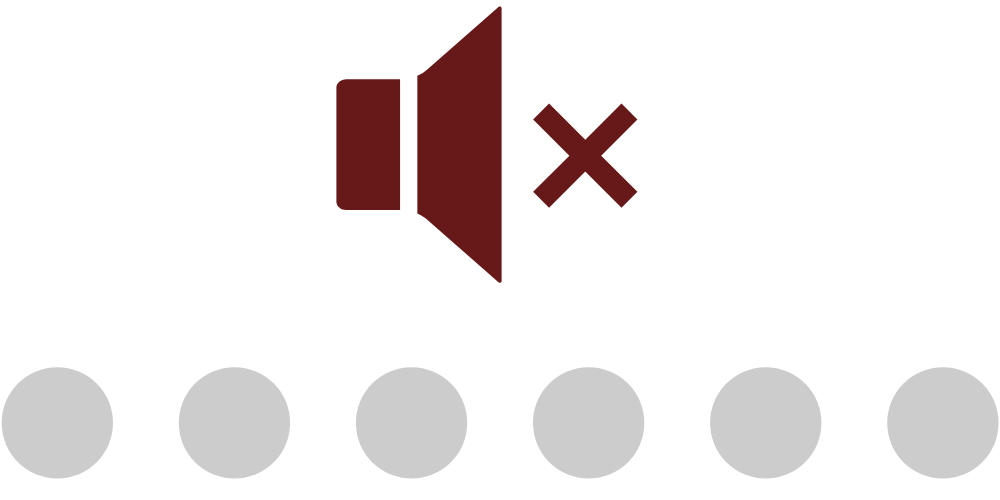
To make it easier to find the right study environment, the library has three sound levels and a no-phone-calls policy. Each sound level shows what kind of conversation is appropriate in that area. Look for the icons below, throughout the library, and in Mazemap.
No talking 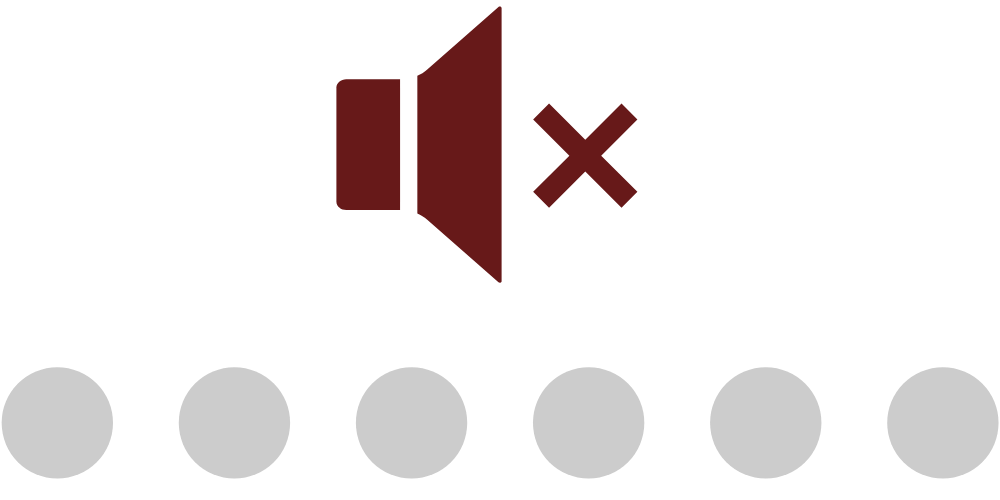
For silent, individual studies. Please do not talk in this area.
Whispers only 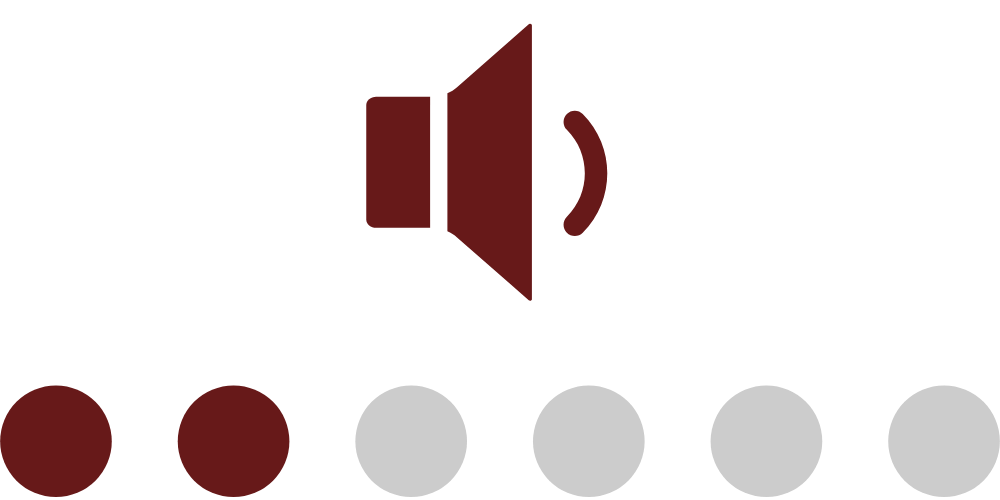
For quiet focus. Brief whispers are okay when needed, but keep conversations low and to a minimum.
Low conversation 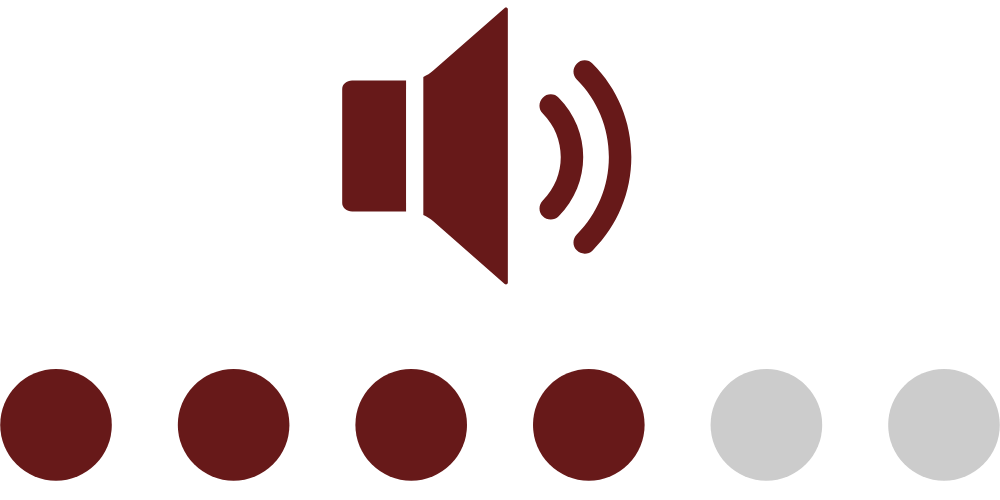
For shared focus and low-volume conversations. Talking is welcome, but keep your voice down and be considerate of others.
No-phone-calls policy 
Phone calls, video calls, and online meetings are not allowed in the library. If you need to speak, please use a group study room when available.
The library study places
Below, you’ll find information about the different types of study spaces, along with a few tips on how to make the most of the library as a place to study.

The entrance
At the library entrance, you’ll find the information desk, Student IT, the printer, and self-service machines for borrowing and returning books. There are also a few lounge chairs and individual study spaces for quiet work.


The book drop is located just outside the entrance and can be used to return books outside opening hours.
 Find the library entrance
Ragnar Lindgren reading lounge
In the reading lounge you will find approximately 15 quiet study spaces with lounge chairs and tiny side tables. This is a good place for low key conversations and silent reading.

The Bonnier room
The Bonnier Room is SSE’s dedicated space for complete silence. Talking, including whispering, is not allowed.
The room has 42 individual study desks for quiet, focused work.

Floor 6 & 8
Floors 6 and 8, there is no floor 7, offer individual study spaces for focused work. You’ll find study desks, a few height-adjustable desks, and comfortable armchairs with side tables.
Low-voice conversations are allowed, but these floors are not intended for group work.

Floor 9
On floor 9, you’ll find the library’s five group rooms with seating for 2 – 6 people. All rooms are equipped with a whiteboard and a big screen. Please note that the group study rooms can only be booked by SSE students.
Beside the group rooms, floor 9 offers individual study spaces for quiet work. There are traditional study desks and a few armchairs with side tables.


Click here to start booking group rooms!

Floor 10
On floor 10, you’ll find the library’s computers, restrooms and a few armchairs with side tables.
LSEG Workspace computer
Use this computer to access financial market data, company information, news, and analytics tools. We recommend booking a time slot if you need to use it.
High-performance computer
This computer is designed for working with large datasets and statistical analysis. It is available on a drop-in basis.

FAQ Booking
-
How many hours can I book?
You can have up to 4 hours of active group room bookings at the same time. “Active” means bookings that have not yet ended.
The 4 hours do not need to be consecutive. You can split them across different rooms, dates, and times.
Example 1: Split bookingsYou can book:
Monday 10:00–12:00, 2 hours
Tuesday 14:00–16:00, 2 hoursTogether, these count as 4 active booking hours. You cannot book more until one of the bookings has ended.
Example 2: Booking again after a booking has startedIf you have booked a room from 10:00–12:00, those 2 hours are active until 12:00.
At 12:00, the hours are freed up, and you can make a new booking.So, if you already have 4 active hours booked, you need to wait until one of your bookings has ended before booking more time.
-
Do I need to confirm my booking?
You must confirm your booking in TimeEdit.
You can confirm from 15 minutes before the booking starts until 15 minutes after the start time.
Example:
If your booking starts at 10:00, you can confirm it between 09:45 and 10:15.If you do not confirm in time, your booking will be cancelled automatically and the room will become available for other students.
-
Can I use the group rooms for individual studies?
It is better for everyone if the rooms for 4–6 people are used for group work, as there are only a limited number of them available at SSE.
The smaller rooms are a good option if you need a private space for a video call, interview, or similar activity.
If you do not need privacy, please use one of the open study spaces instead, so that the rooms remain available for those who need them most.
-
Can I use a group room if it is empty?
Have any questions? Contact us!
If you have questions about the library’s services or want personal guidance, contact us by email, or phone. We’re here to help and look forward hearing from you!
✉️ E-mail us: library@hhs.se
